Modern IT environments require simple, scalable, and secure management. Systems Manager brings centralized visibility and policy enforcement for every device and user — whether they’re in the office or remote.
Simplify IT Operations
Automate provisioning, configuration, and updates — reducing time spent managing devices individually.
Strengthen Security
Protect corporate data with policies that enforce encryption, passcodes, and remote wipe capabilities.
Empower Your Workforce
Provide employees with secure access to apps and Wi-Fi automatically — without IT intervention.
Core Capabilities
Manage every device, user, and application securely from one cloud dashboard — with the flexibility to scale as your organization grows.
Multi-Platform Management
Manage iOS, Android, macOS, and Windows devices with one unified dashboard and consistent policy control.
Zero-Touch Enrollment
Automate device setup with Apple ADE, Android Enterprise, or Windows Autopilot — ready before first use.
Real-Time Visibility
Track device health, compliance, and security posture instantly, with live status updates and alerts.
Integrated Cisco Security
Enhance protection with built-in integration to Cisco Umbrella, Duo, and Meraki MX firewalls.
Integration with Network Leaps Solutions
Systems Manager is built to work seamlessly with the rest of the Network Leaps ecosystem. When integrated with Meraki Wi-Fi, MX security, and switching solutions, it delivers unified visibility, consistent security, and simpler operations across your entire IT environment.
Unified Management
Gain a complete view of your IT environment by managing devices, networks, and security from a single dashboard.
Consistent Security
Extend the same security policies and access controls across endpoints, Wi-Fi, and firewalls — simplifying compliance.
Simplified Support
With Network Leaps as your single managed partner, get proactive monitoring, faster resolution, and seamless updates across all services.
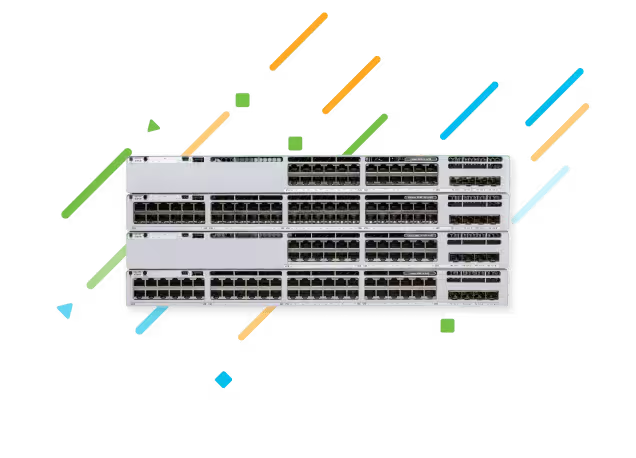
Upgrade to the Cisco Catalyst 9300L-M switch and save
Are you ready to boost operational efficiency with powerful application visibility, optimal performance, and zero-trust security?